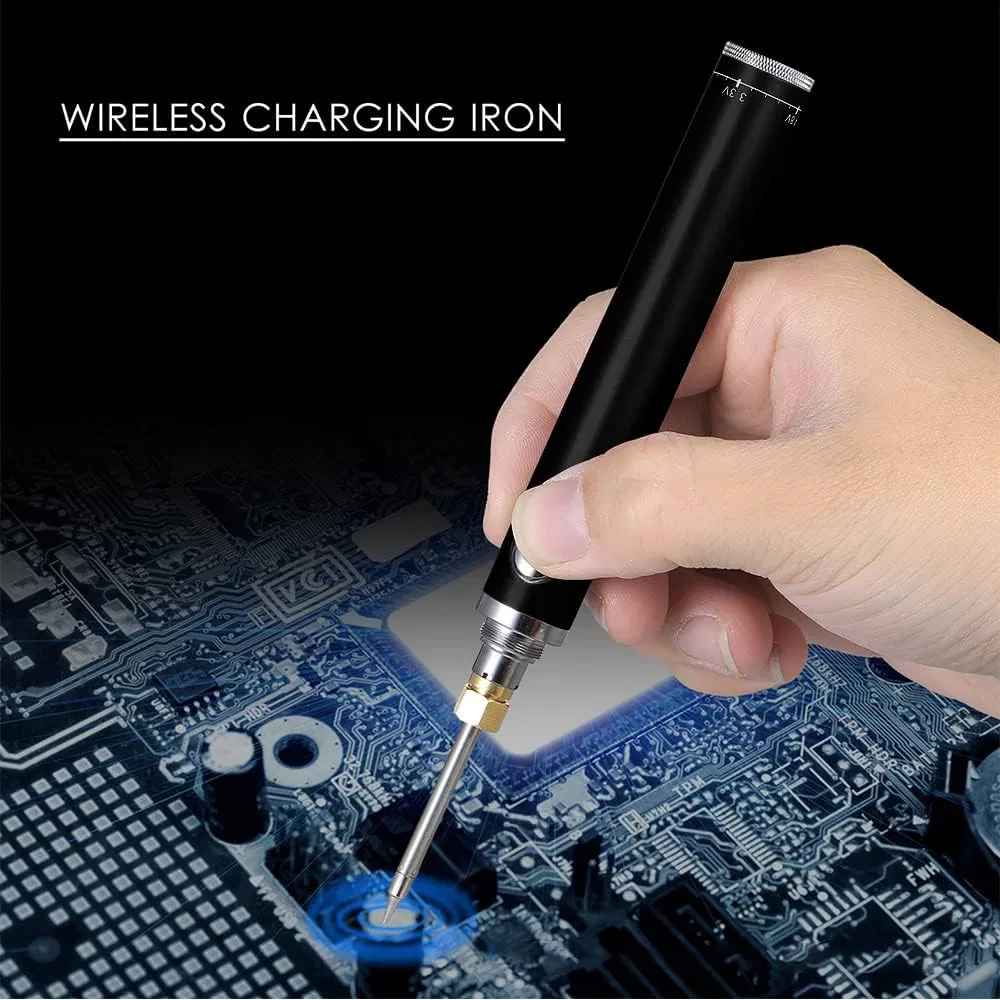
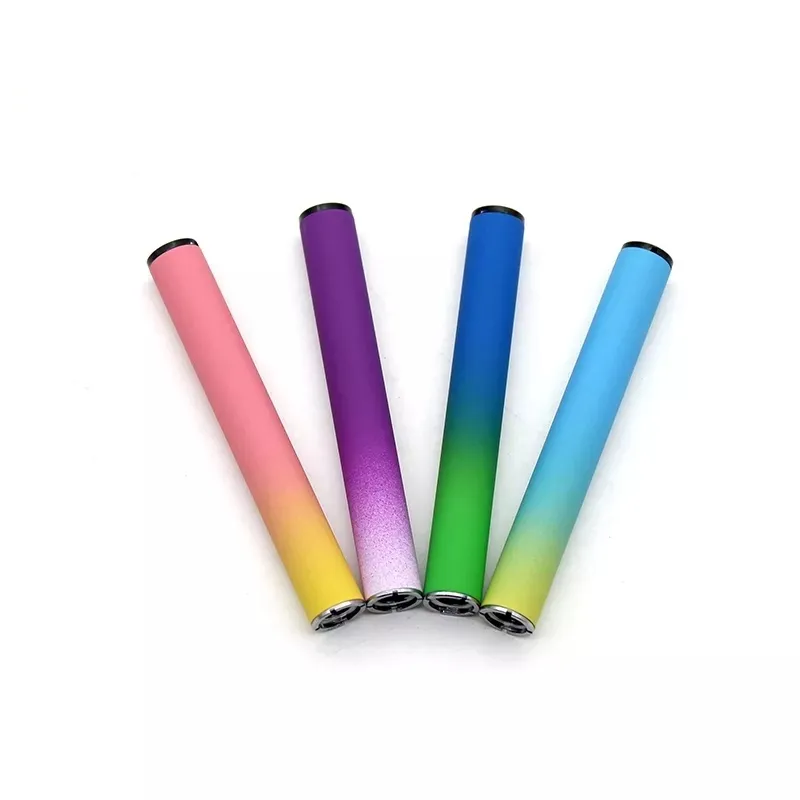
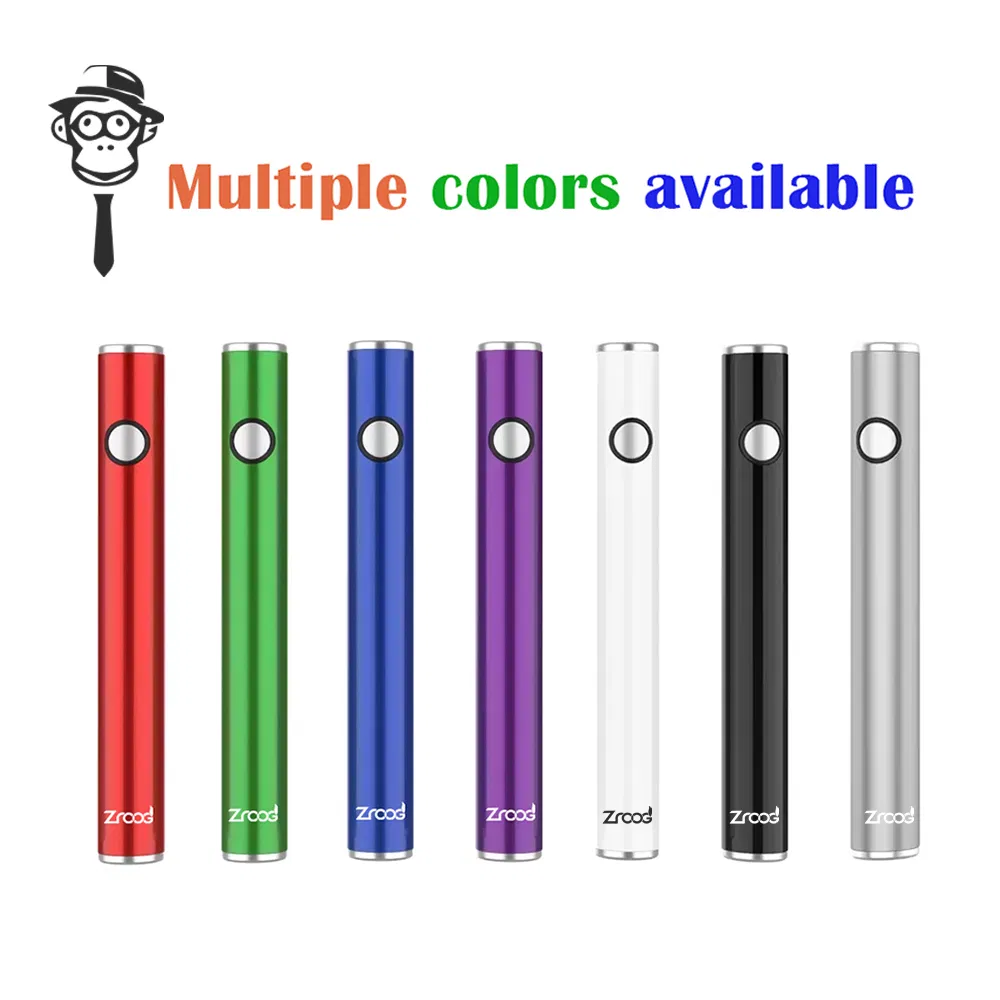
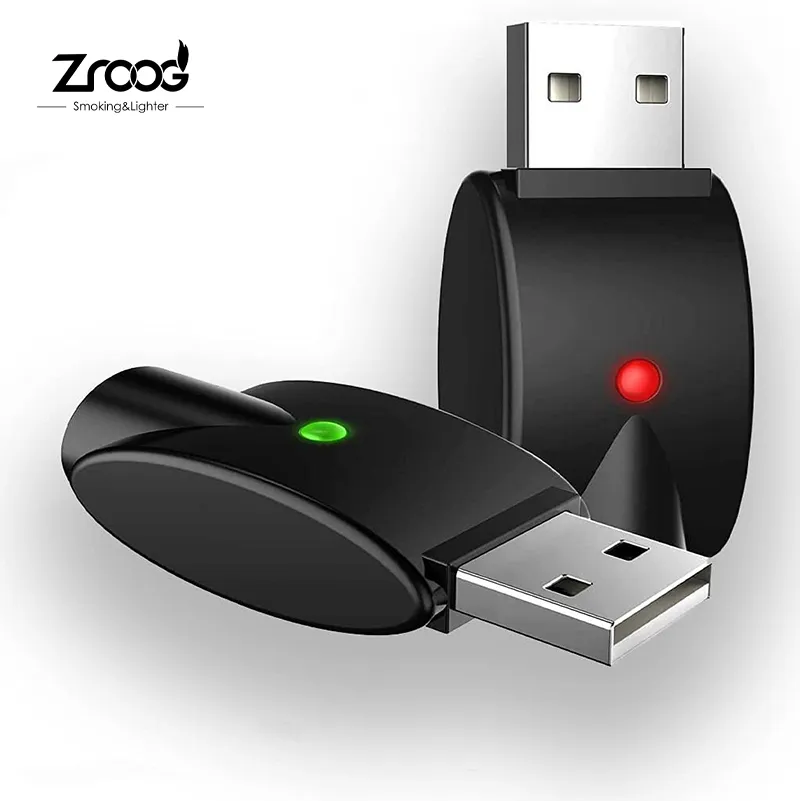
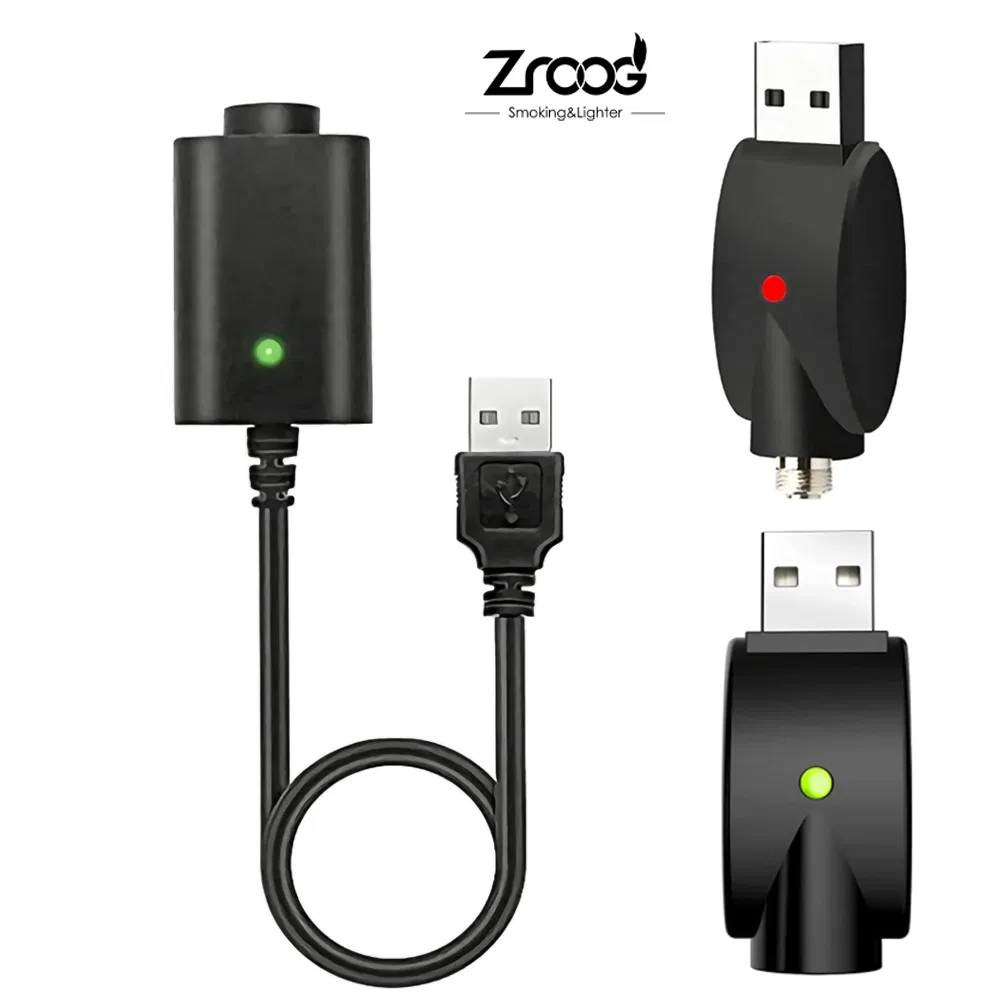
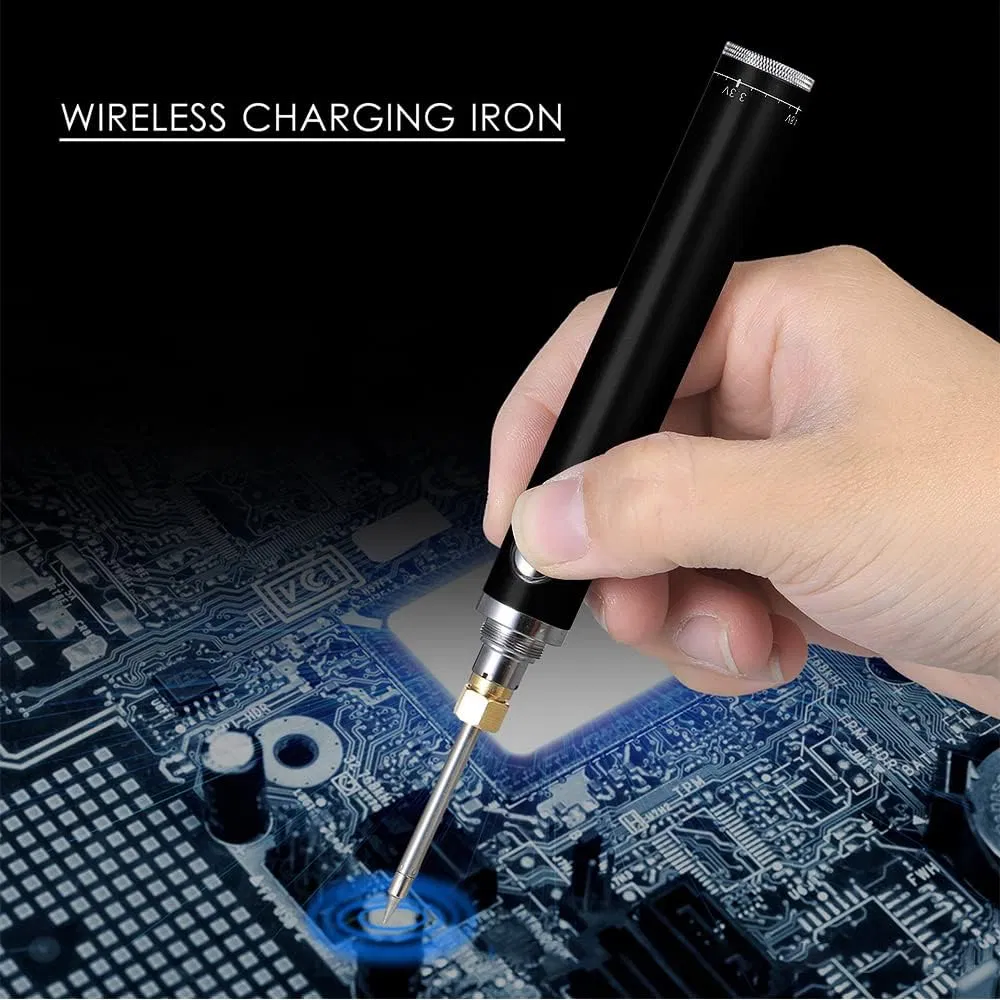
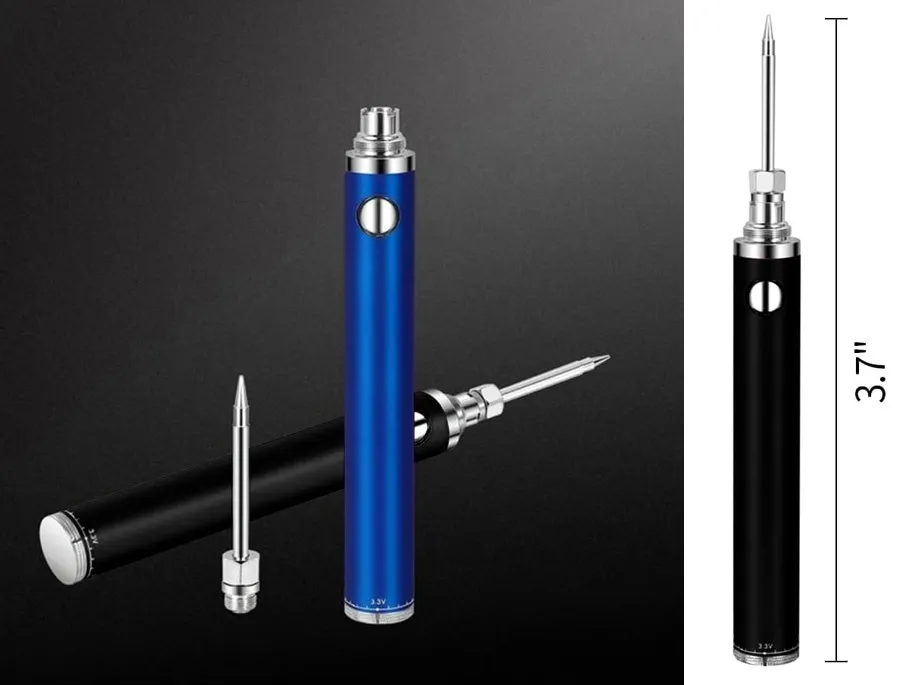
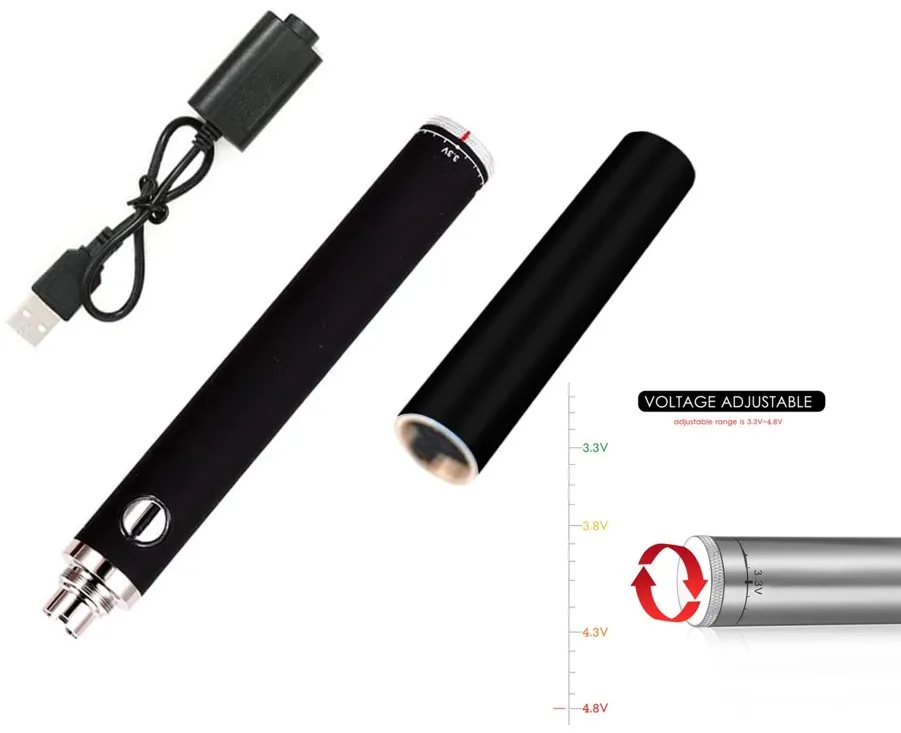
510 Soldering Iron Battery Rechargeable Cordless USB Rechargeable Portable Soldering Iron Kit

Still deciding? Get samples of $ !
Order Sample

Product Description

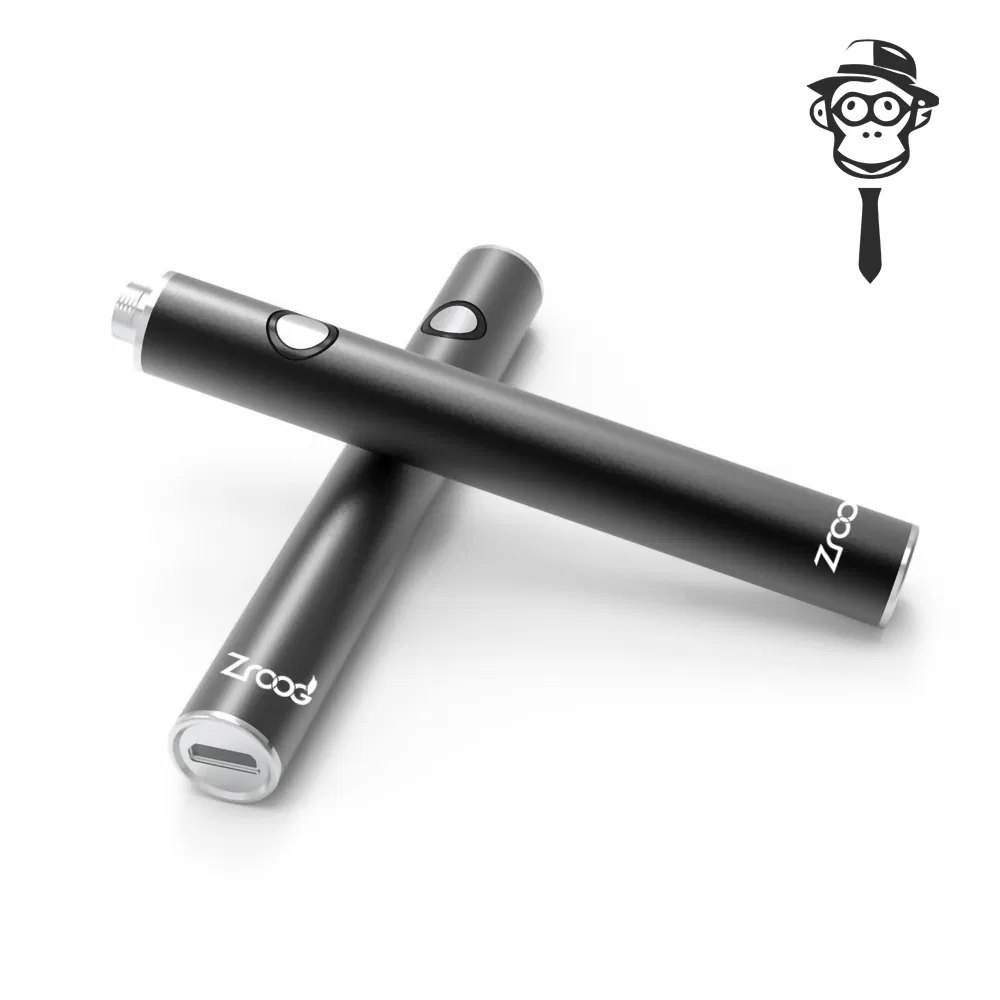
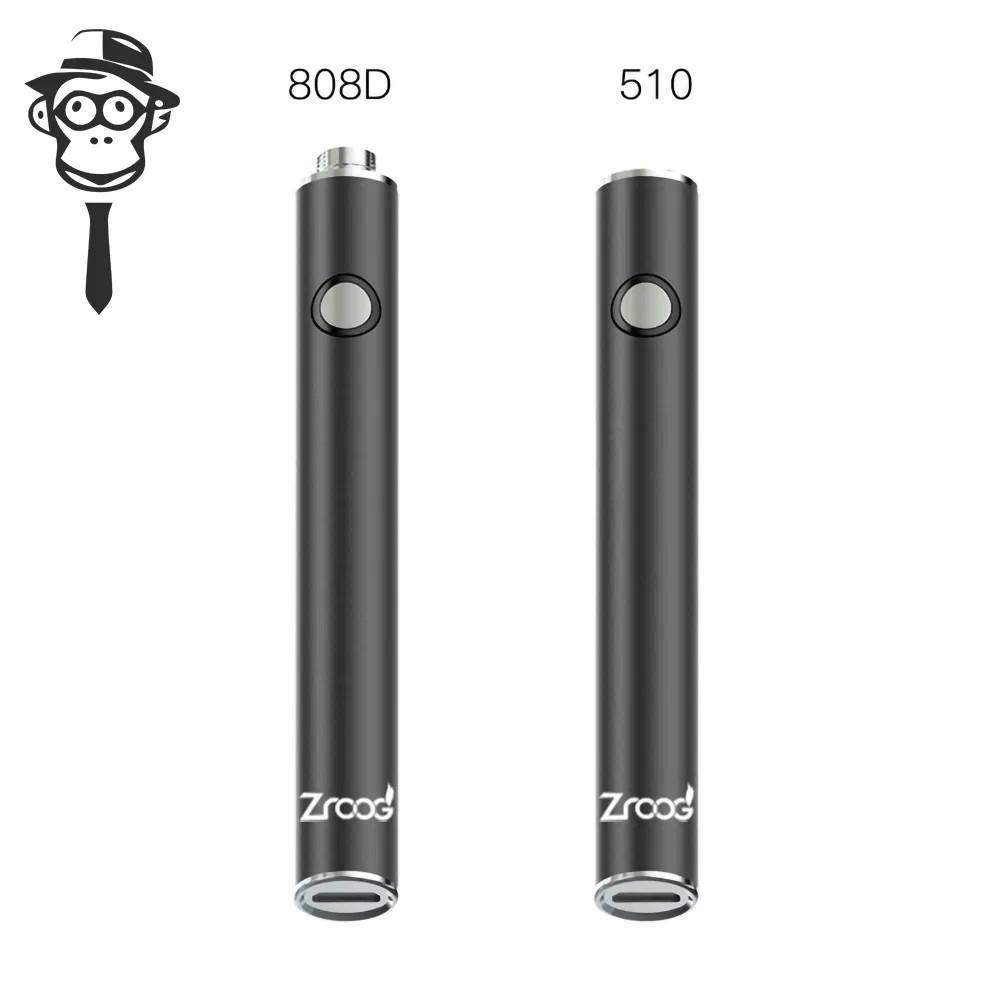
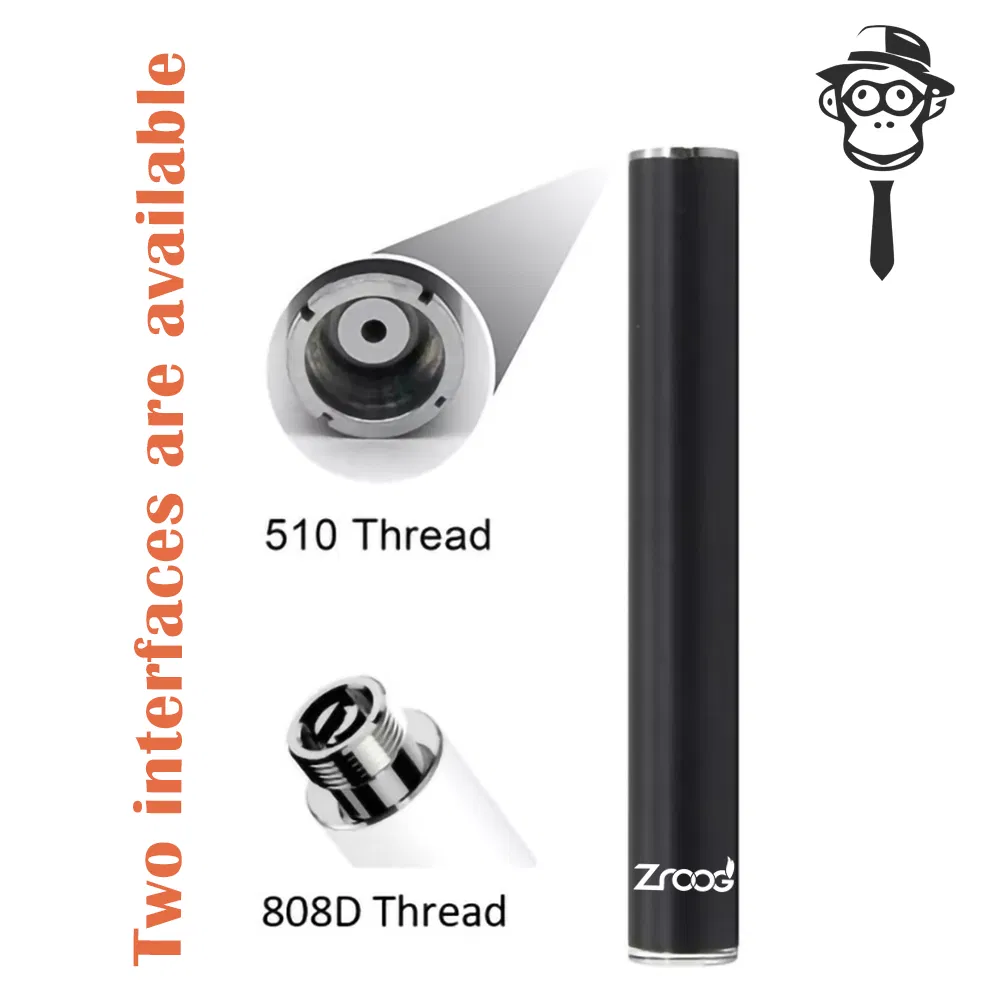
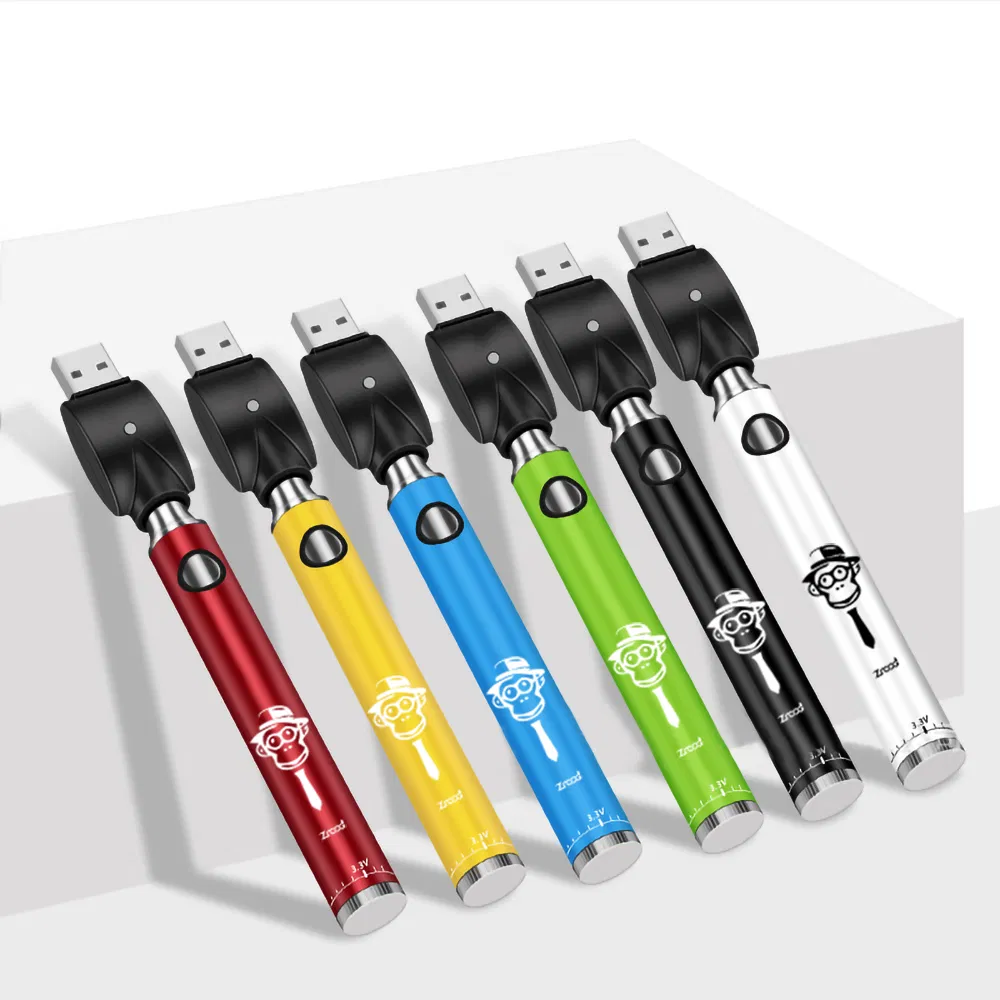
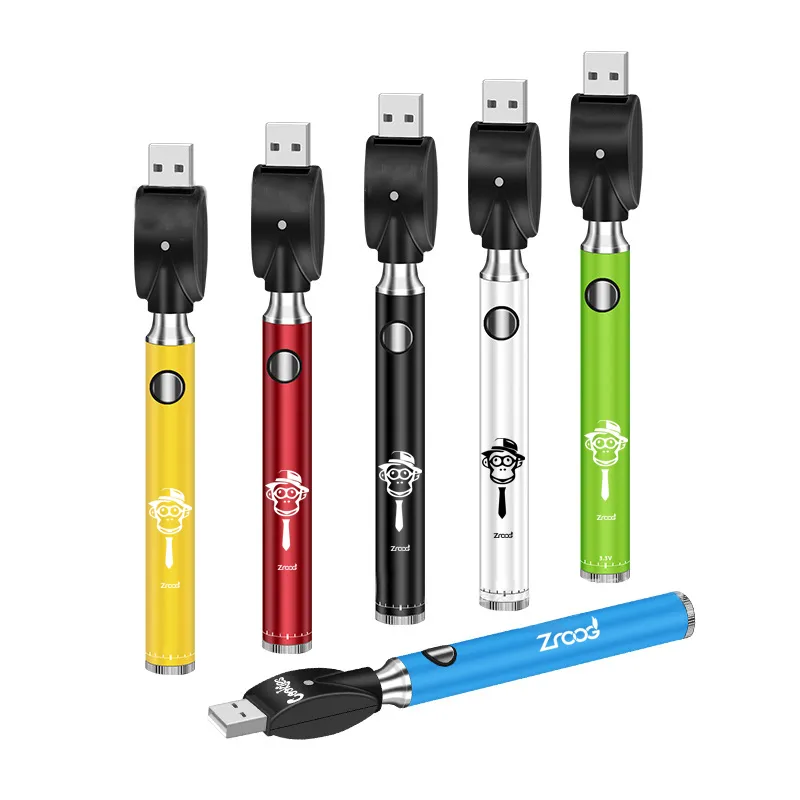
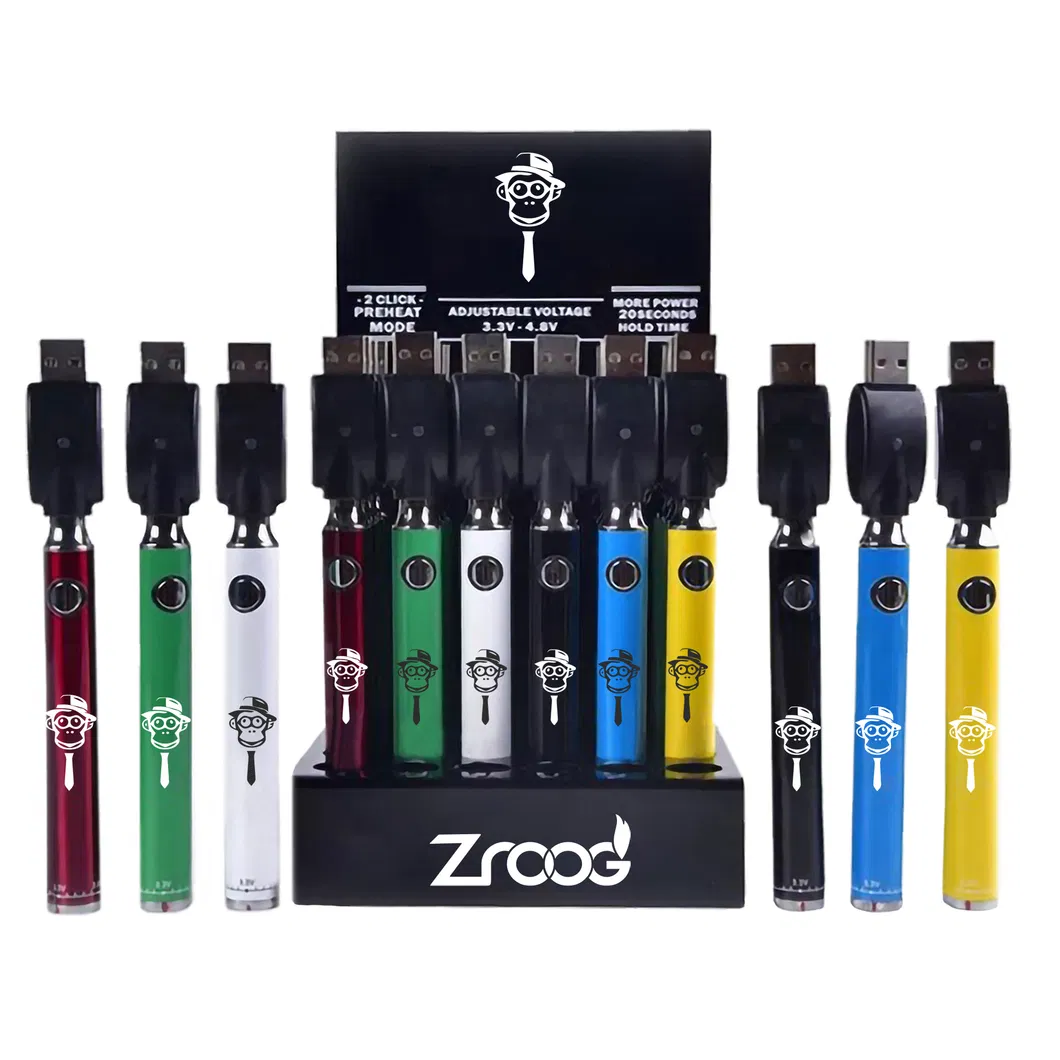
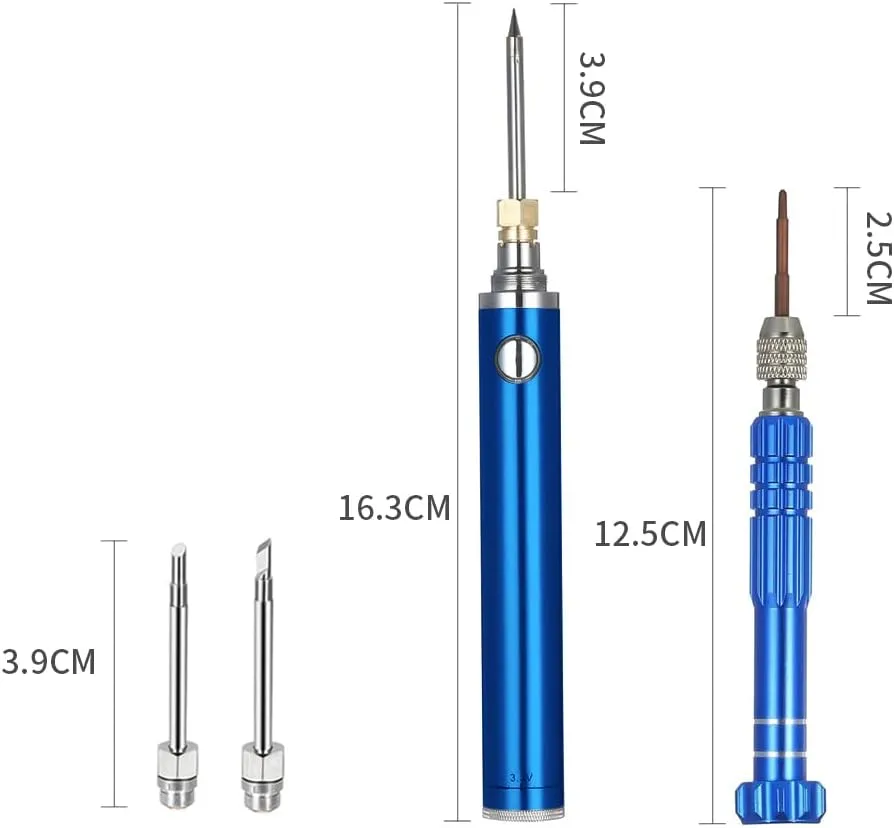
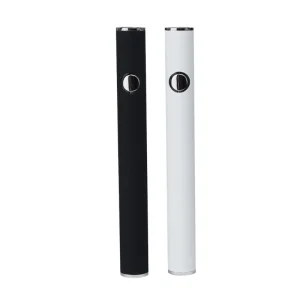
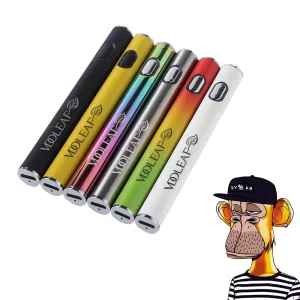
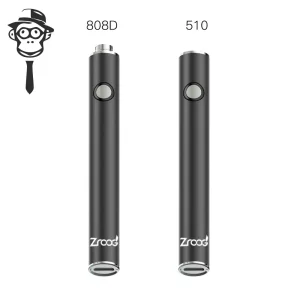
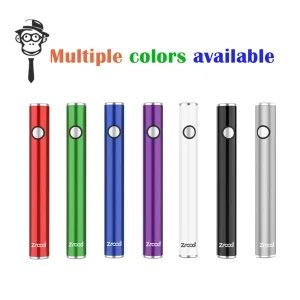
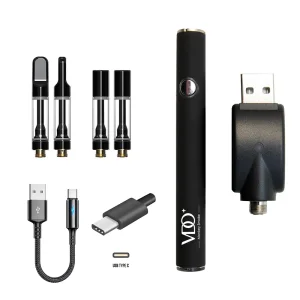
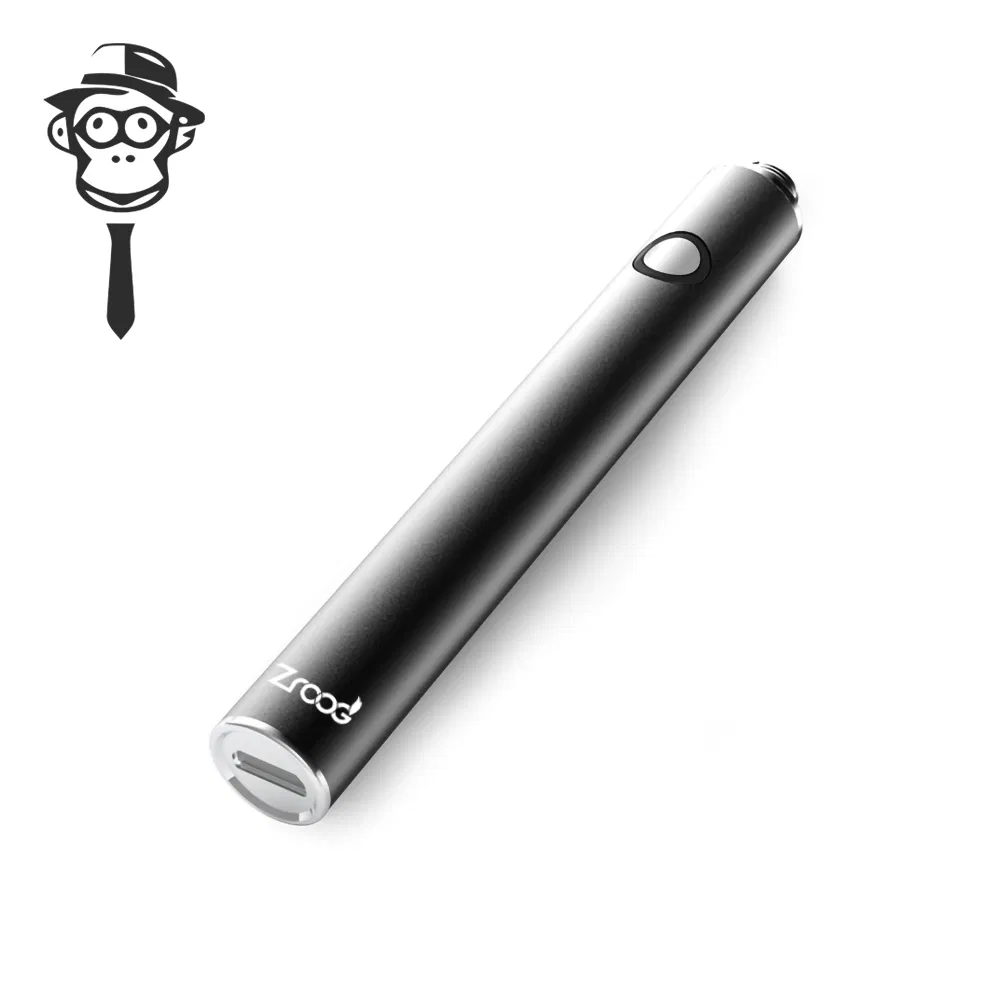
510 Soldering Iron Battery

Rechargeable Cordless USB Portable Soldering Iron Kit

Note: Battery Capacity: 400mAh. (Custom capacities available upon request).

Technical Specifications
Model NO.
Soldering Iron Battery
Capacity
400mAh
Work Voltage
3.2V-4.2V
Battery Size
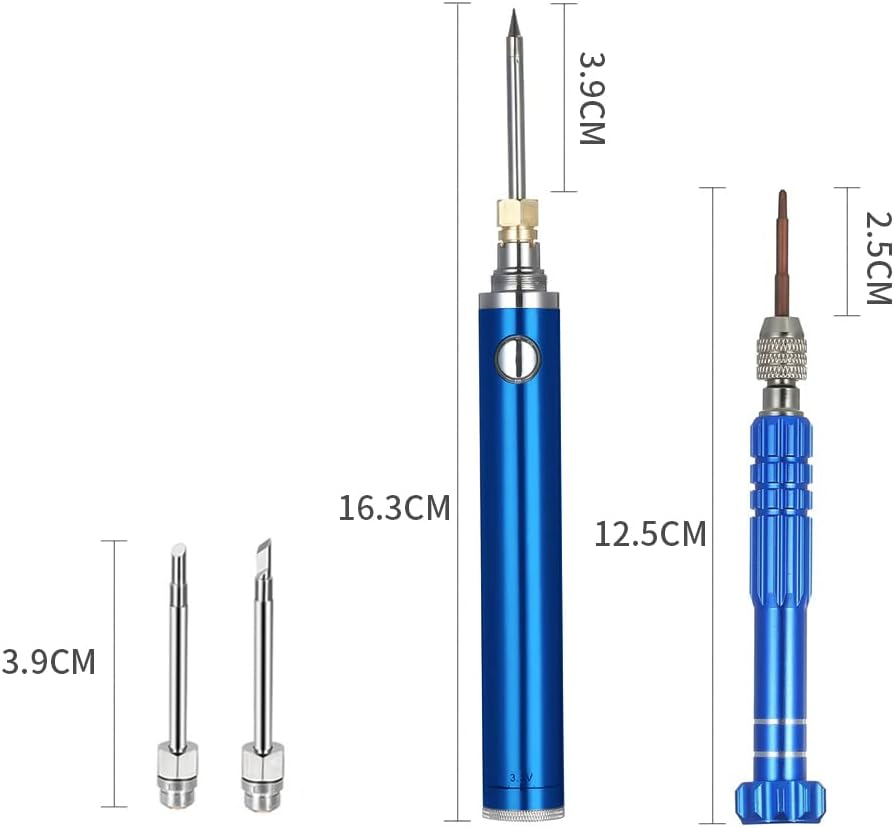
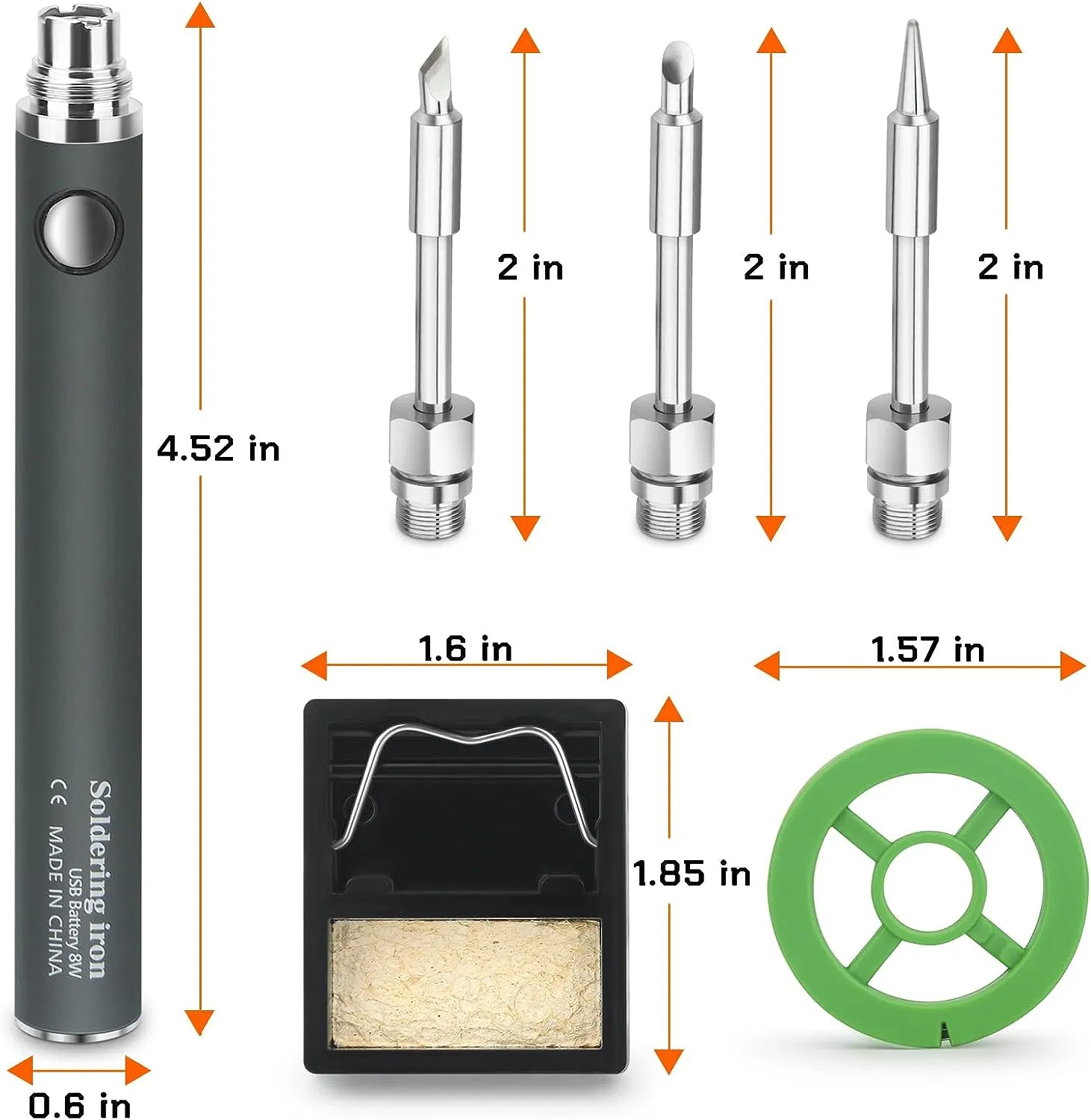
11.2MM * 90MM
Rechargeable
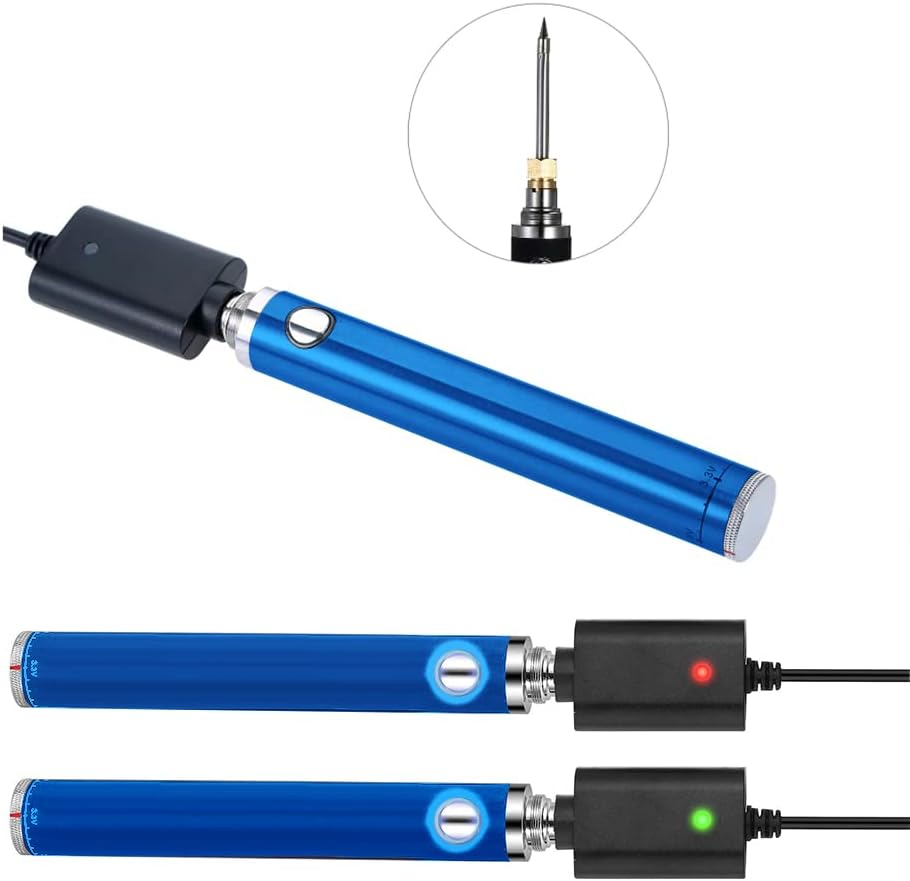
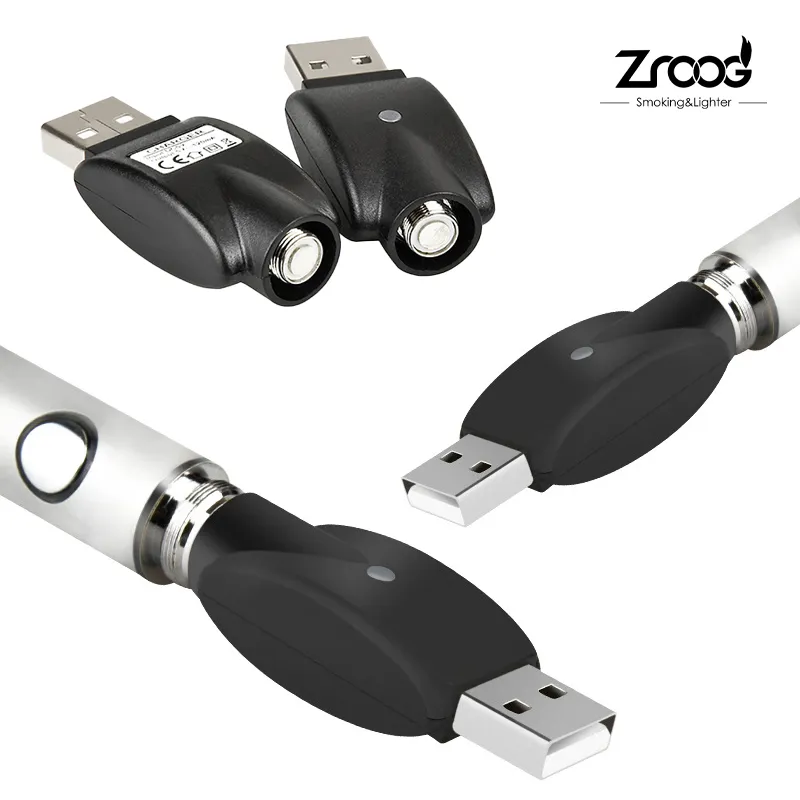
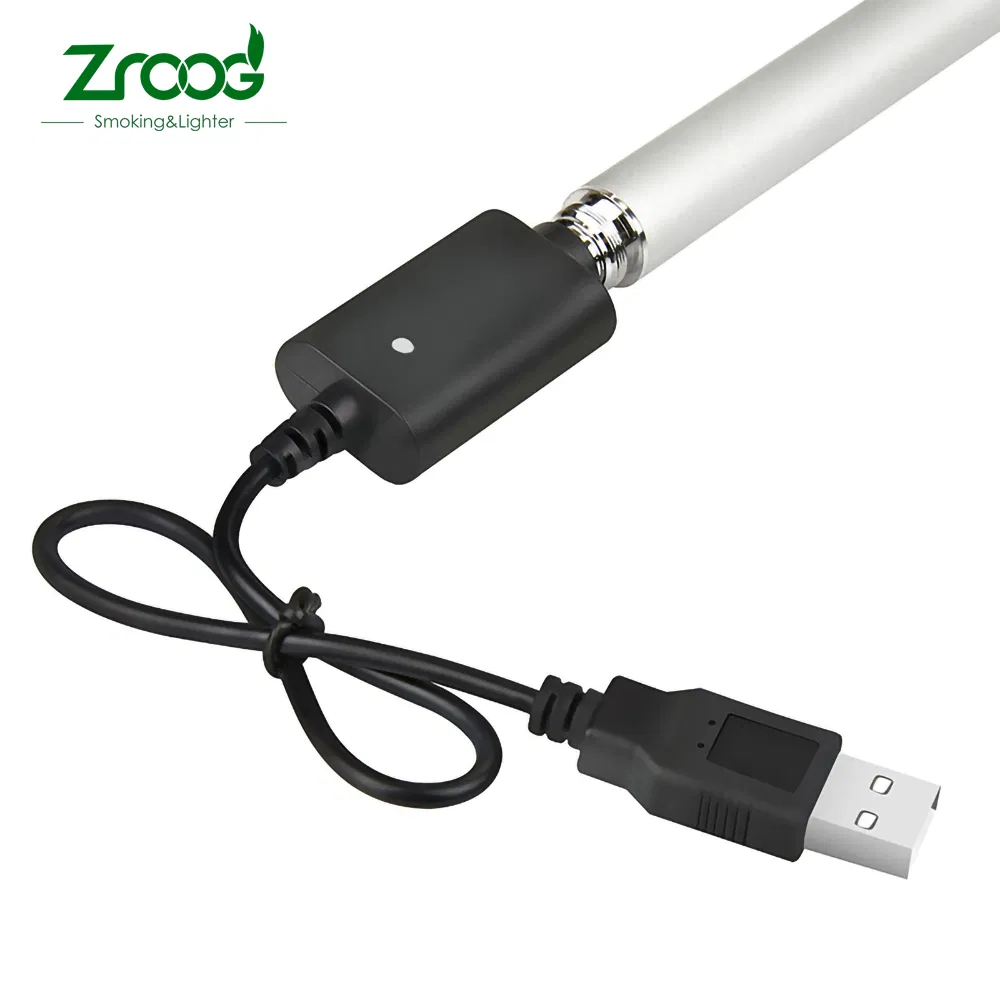
Yes (Micro USB)
Size
Medium
Trademark
OEM
Origin
China
Operation Guide
🔘 ON/OFF Switch

Press continuously 3 times within 2 seconds

Work Status

Press and hold switch to keep working

🛡️ Protection

Short-circuit & Low voltage protection (<3.2V)
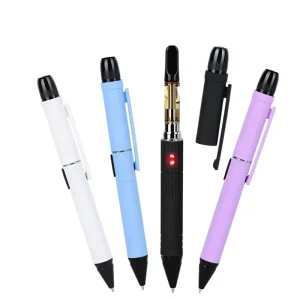
LED Status Indicators
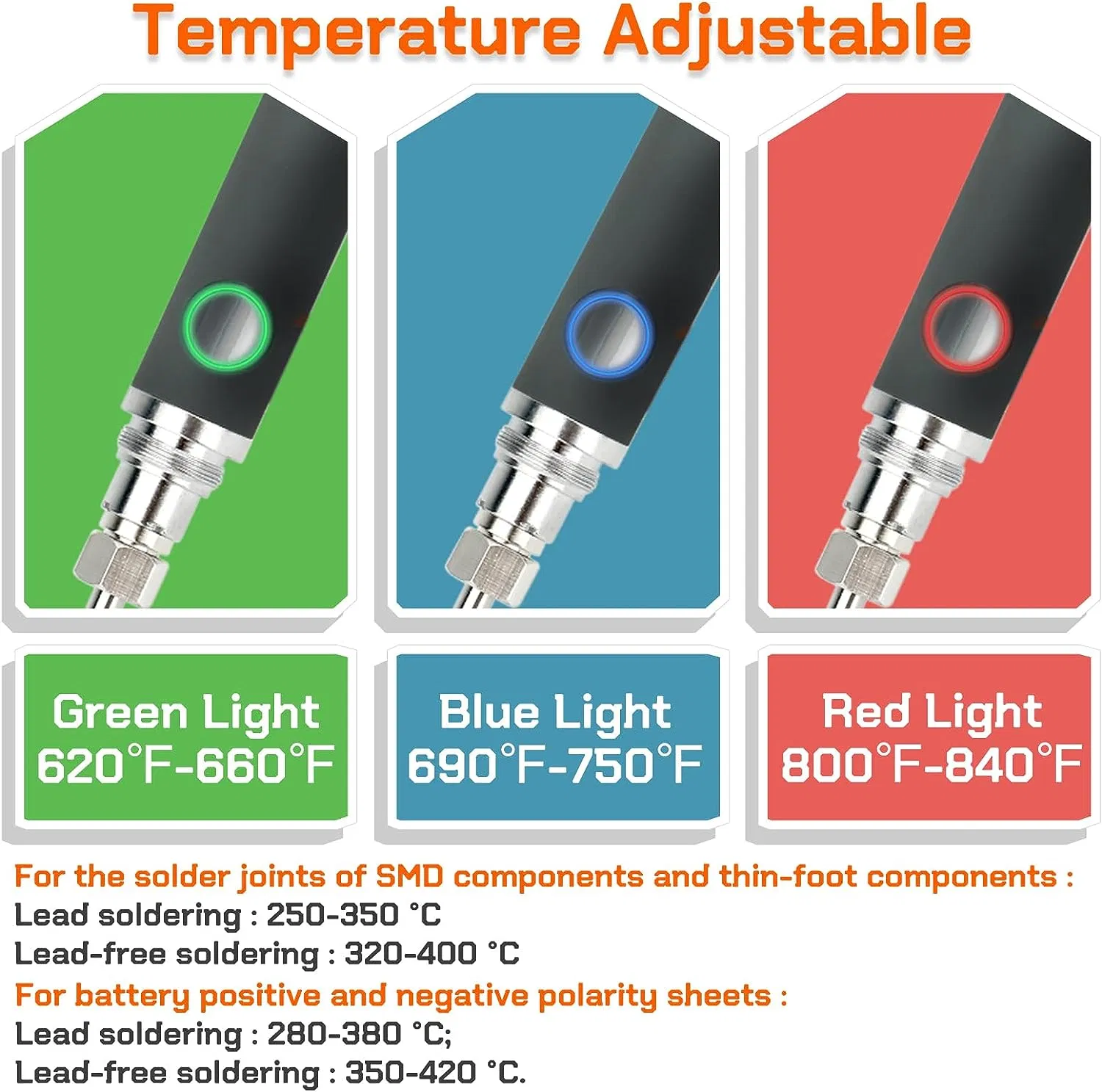
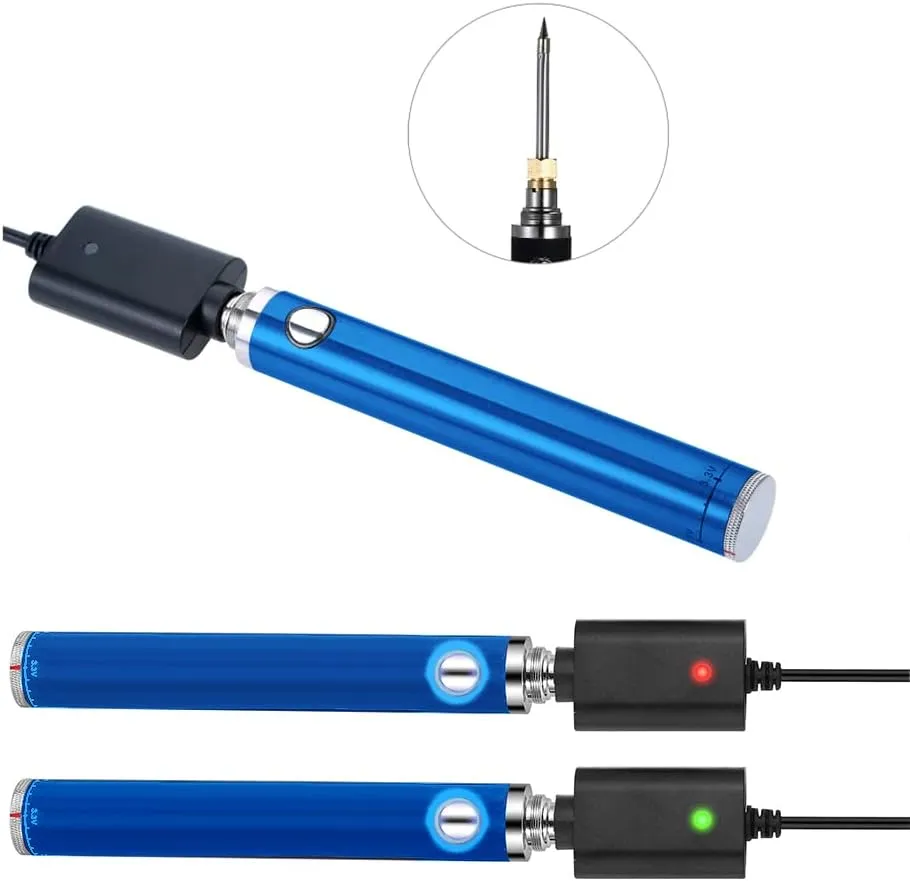
🟢 Green LED
Full Power (3.85V-4.2V)
🔵 Blue LED
Medium/Low Power (3.5V-3.8V)
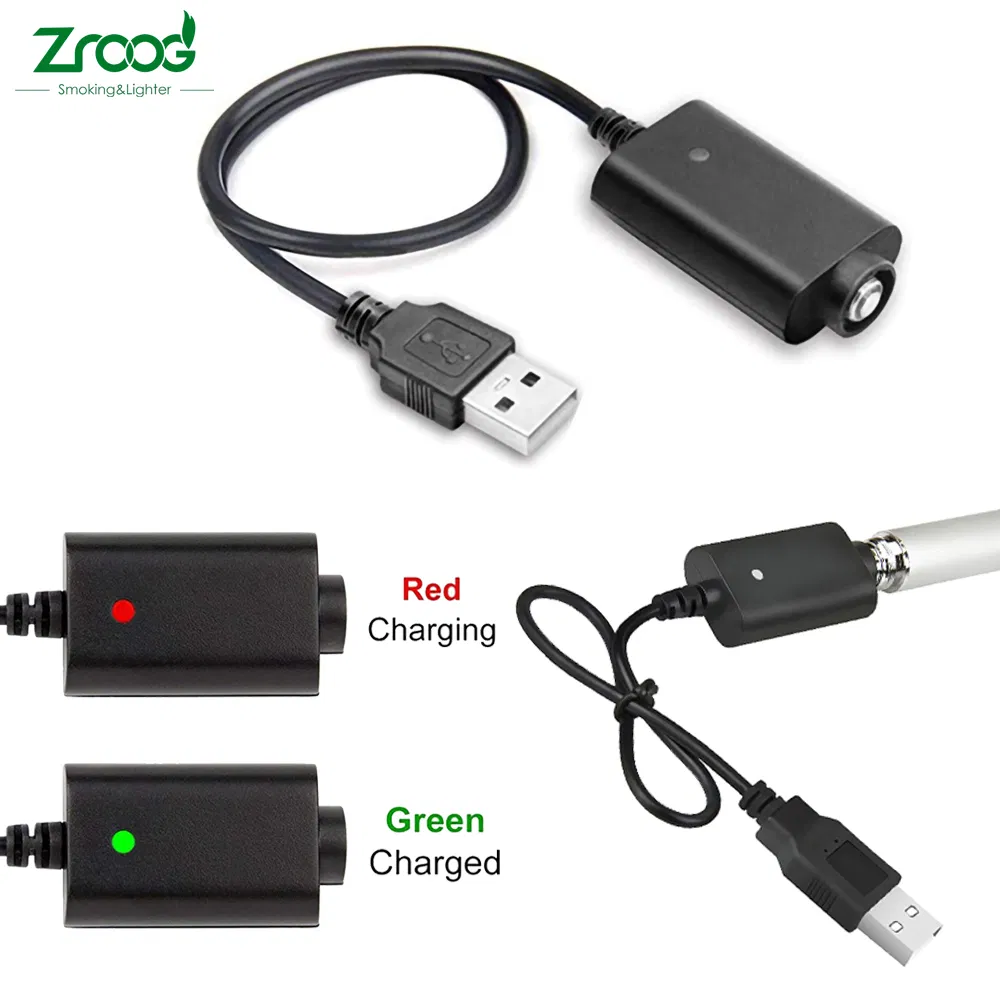
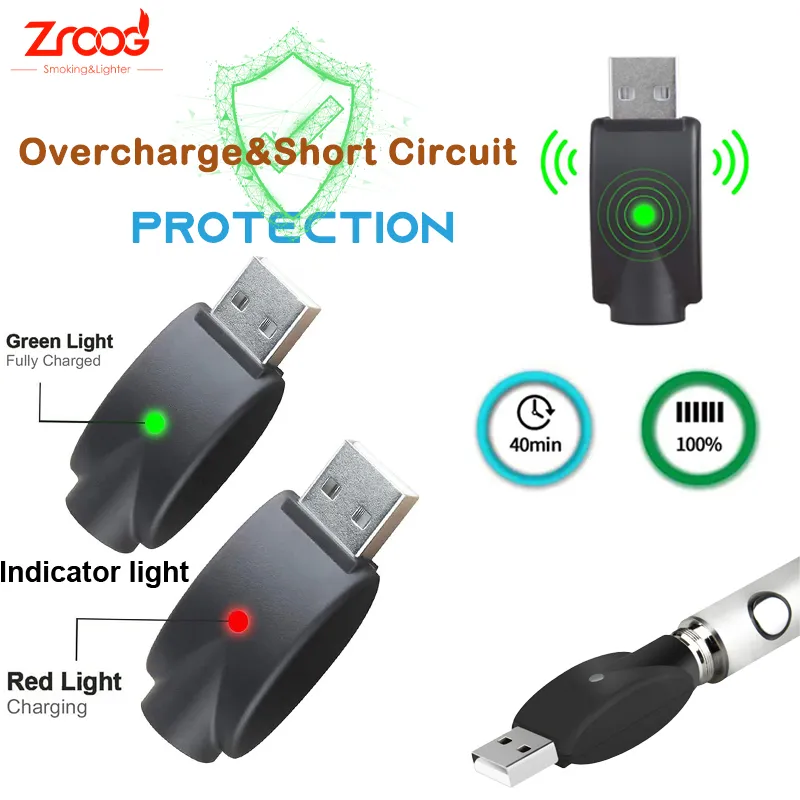
🔴 Red LED
Charging Status
⚠️ LED Flash 10x
Needs Recharging
⚡ LED Flash 3x
Short-circuit Protection Active
Product Gallery
Soldering Iron Battery 1
Soldering Iron Battery 2
Soldering Iron Battery 3
Soldering Iron Battery 4
Soldering Iron Battery 5
Soldering Iron Battery 6
Soldering Iron Battery 7
Soldering Iron Battery 8
Soldering Iron Battery 9
Soldering Iron Battery 10
Soldering Iron Battery 11
Soldering Iron Battery 12
Soldering Iron Battery 13
Soldering Iron Battery 14
Soldering Iron Battery 15
Soldering Iron Battery 16
Soldering Iron Battery 17
Soldering Iron Battery 18
Soldering Iron Battery 19
Soldering Iron Battery 20
Soldering Iron Battery 21
Soldering Iron Battery 22
Soldering Iron Battery 23
Soldering Iron Battery 24
Soldering Iron Battery 25
Packaging & Delivery
Package Size
25.00cm * 15.00cm * 8.00cm
Gross Weight
0.650kg
Transport Package
Oppo Bag or Paper Box
Production Capacity
500,000,000 units
Frequently Asked Questions
How do I turn the soldering iron battery on or off?
Simply press the switch button continuously three times within two seconds to toggle the power on or off.
What is the battery capacity and voltage range?
The battery has a capacity of 400mAh and operates within a voltage range of 3.2V to 4.2V.
How do I know when the battery needs recharging?
The LED indicator will flash 10 times when the power is low. Additionally, if the voltage drops below 3.2V, the device will stop working to protect the battery.
What do the different LED colors indicate?
Green indicates full power (3.85V-4.2V), Blue indicates low power (3.5V-3.8V), and Red indicates the device is currently in recharge status.
Does the device have safety protections?
Yes, it features short-circuit protection (LED flashes 3 times) and low-voltage protection to ensure safe operation.
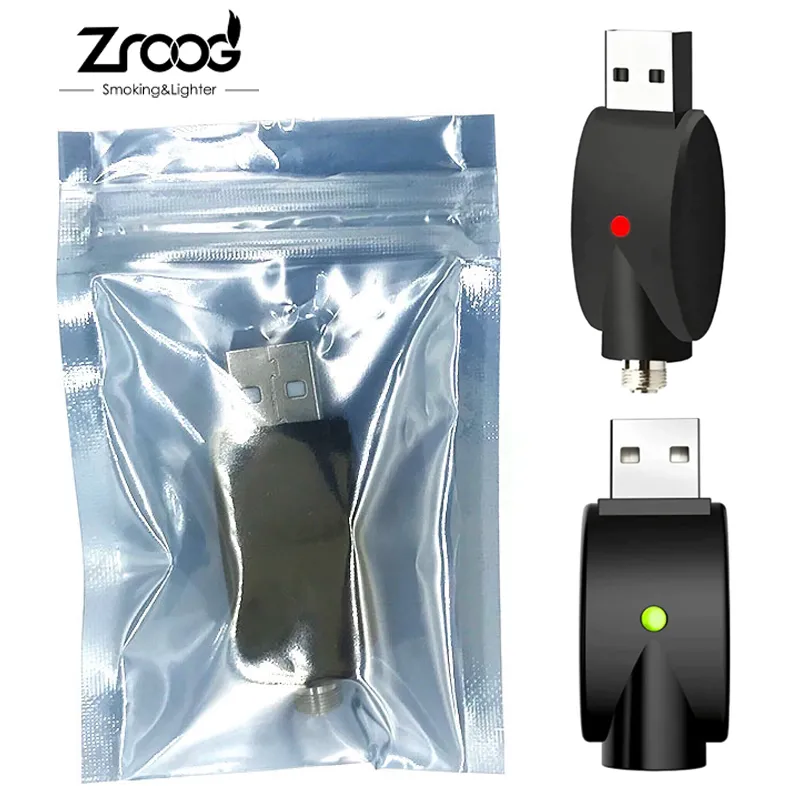
How is the product charged?
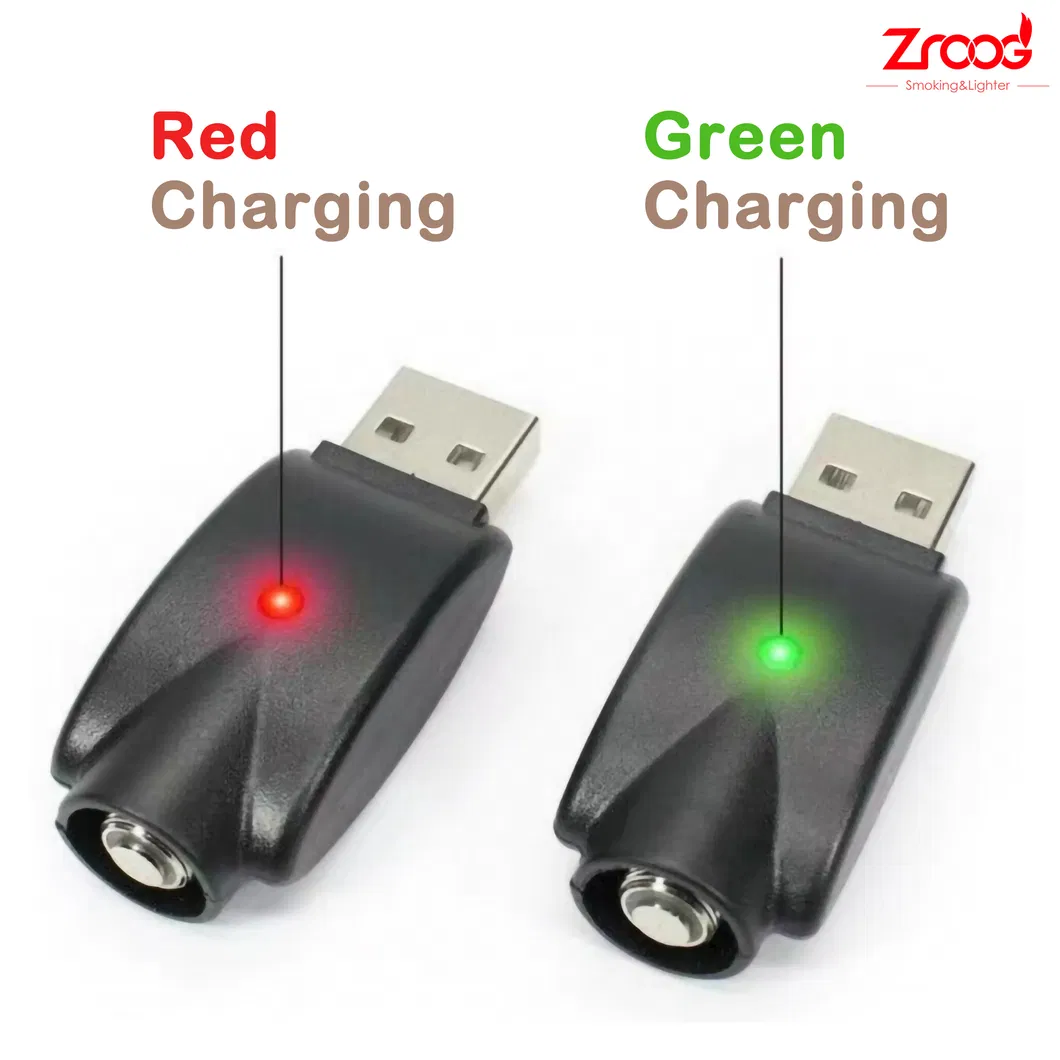
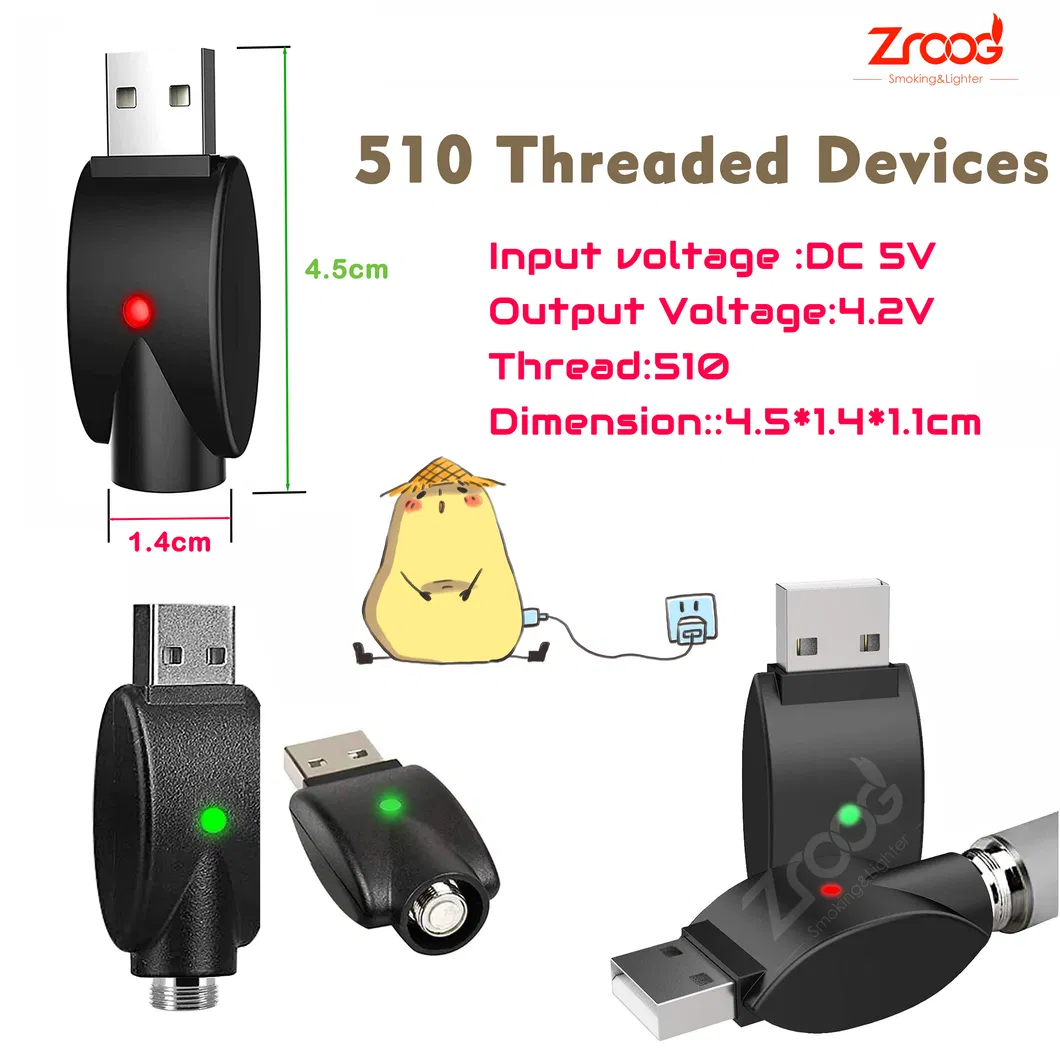
It uses a Micro USB charging port. The Red LED stays lit during charging and turns Green once the voltage exceeds 4.15V, indicating a full charge.

Related Products